Resume red flags recruiters notice instantly
 Ayush Panthri | Published: | Updated: | Reviewed By
  Kunal Saxena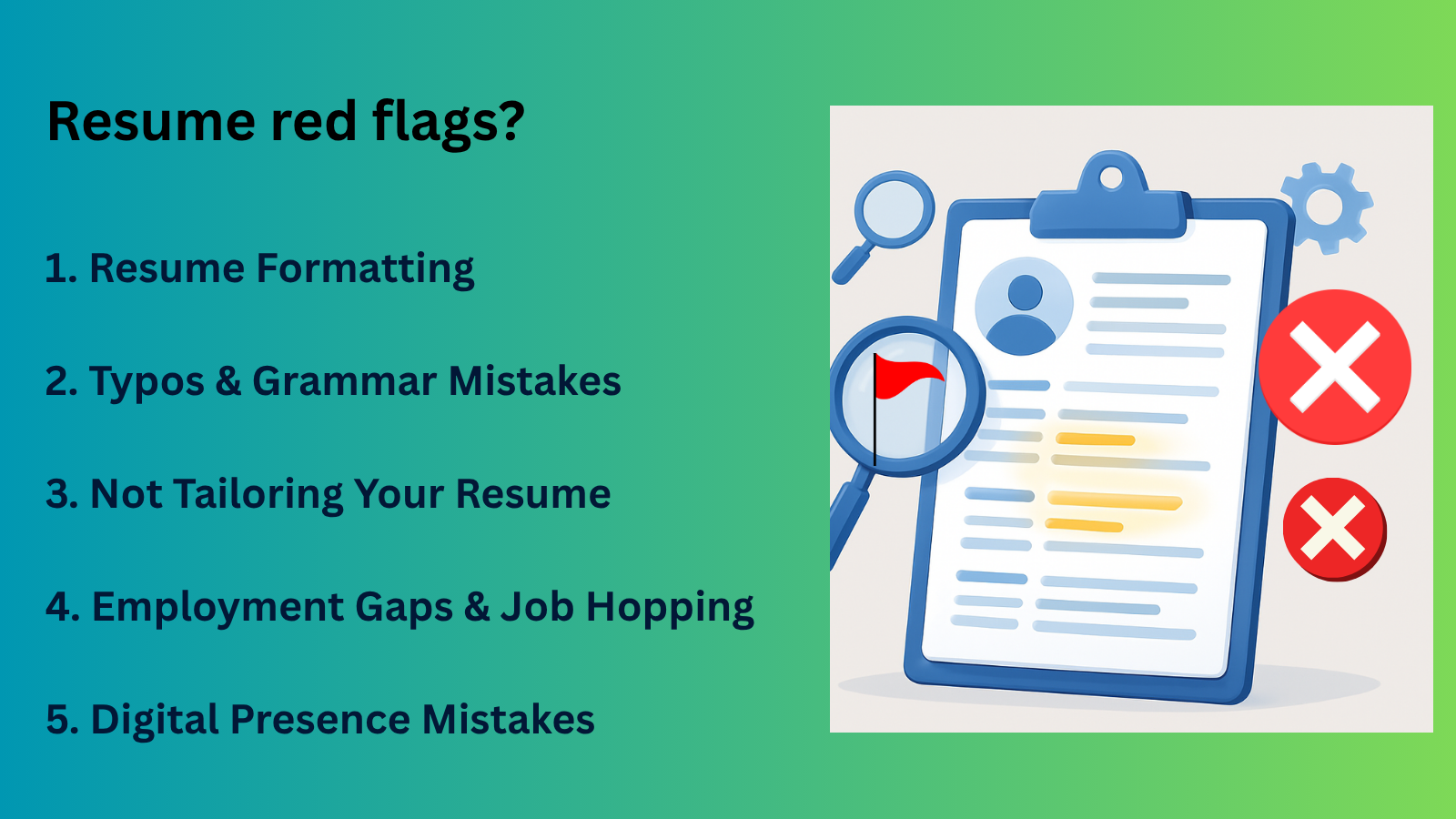
If you’re applying for jobs but not getting interview calls, your resume might be getting rejected by ATS within seconds. It’s not because you lack skills, but because of small red flags in your resume that recruiters notice instantly.
Resume red flags are small mistakes or warning signs that make recruiters unsure about your skills, clarity, or credibility on your resume. Recruiters typically spend 6 to10 seconds for scanning any resume.
If they spot issues like: Typos, Poor formatting, Missing keywords, Vague content they move on immediately.
A good resume doesn’t fail because of lack of experience. It fails because of small mistakes that reduce clarity, relevance, and trust. Fix those and your chances improve instantly.
In this article, we will discuss how red flags impact your resume and how you can fix these mistakes and avoid when applying for a job. So, read the full article below.
By end of this you”ll know
1. Resume Formatting Red Flags That Hurt First Impressions.
Remember that your resume is the first thing a recruiter sees about you. If your resume looks like: Different font sizes everywhere, No proper spacing, Too much text, Big paragraphs instead of bullet points.
It gives a bad feedback instantly even before they read a single line. A poorly formatted resume can prevent you from landing interviews, no matter how strong your qualifications or transferable skills might be.
So make it easy for reviewers to quickly assess your skills and experience by keeping information organized, simple, and clear way.
If a company uses an ATS software that filters resumes, and your resume isn’t properly optimized for it, your resume might get rejected before a recruiter even sees it.
How to fix it?
There are two effective ways to fix your resume formatting.
Manual Fix (Do It Yourself)
In this method, you can review your resume and update your resume formatting issues manually that clearly show your impact.
Step 1. Use a Clean Layout→ Avoid complex designs, tables, or graphics, stick to simple sections like Summary, Skills, Experience, Education.
Step 2. Keep Font & Style Consistent→ Avoid random bold/italics and use 1–2 fonts only, use same font size for headings and body.
Step 3. Fix Spacing & Alignment→ Align all text properly keep equal margins on all sides and use proper line spacing.
Step 4. Use Clear Bullet Points→ Avoid long paragraphs keep your bullets short (1–2 lines) and start with action verbs.
Step 5. Maintain Section Consistency→ Same bullet structure throughout and same format for all job roles.
Fix Using Tools (Faster Way)
Tools helps you to save your time and avoid your manual errors in the resume.
Step 1. Upload Your Resume→ Use an AI resume builder or resume checker tool
Step 2. Analyze Formatting Issues→ The tool will detect your ATS compatibility issues, Inconsistent fonts and spacing or poor structure of your resume.
Step 3. Follow AI Suggestions→ Use pre-built ATS-friendly templates and apply recommended formatting fixes.
If you want to know more about how you can create your ATS-friendly resume format you can visit our complete guide article.
2. Typos & Grammar Mistakes That Cost You Interviews
Small spelling and grammar errors in your resume can make you look careless and unprofessional even if your skills are strong, these mistakes create a bad first impression and may cause recruiters to reject your resume quickly.
If you’re applying for a job in marketing, finance, tech or operations attention to detail really matters. A small typo in your resume can create doubt about your work quality.
- Spelling errors (e.g., managment instead of management)
- Wrong tense (manage team instead of managed team)
- Missing words or punctuation
These might look small, but they make your resume feel careless.
Example:
1. “Handled client meeting and resolve issues”
vs
2. “Handled client meetings and resolved issues”
The second one feels more professional instantly.
How to fix it?
There are two effective ways to fix your resume Typos and grammatical errors.
Manual Fix (Quick Proofreading Method)
In this method, you can identify your grammatical errors with free tools and manually fix these errors.
Step 1. If you are creating your resume in the MS Word, the in-built spell checker tool helps you identify grammar errors and fix them.
step 2. You can also use a Grammarly tool in a web browser which helps you to identify your grammatical mistakes and you can easily fix it.
With AI Resume Builder (Faster Method)
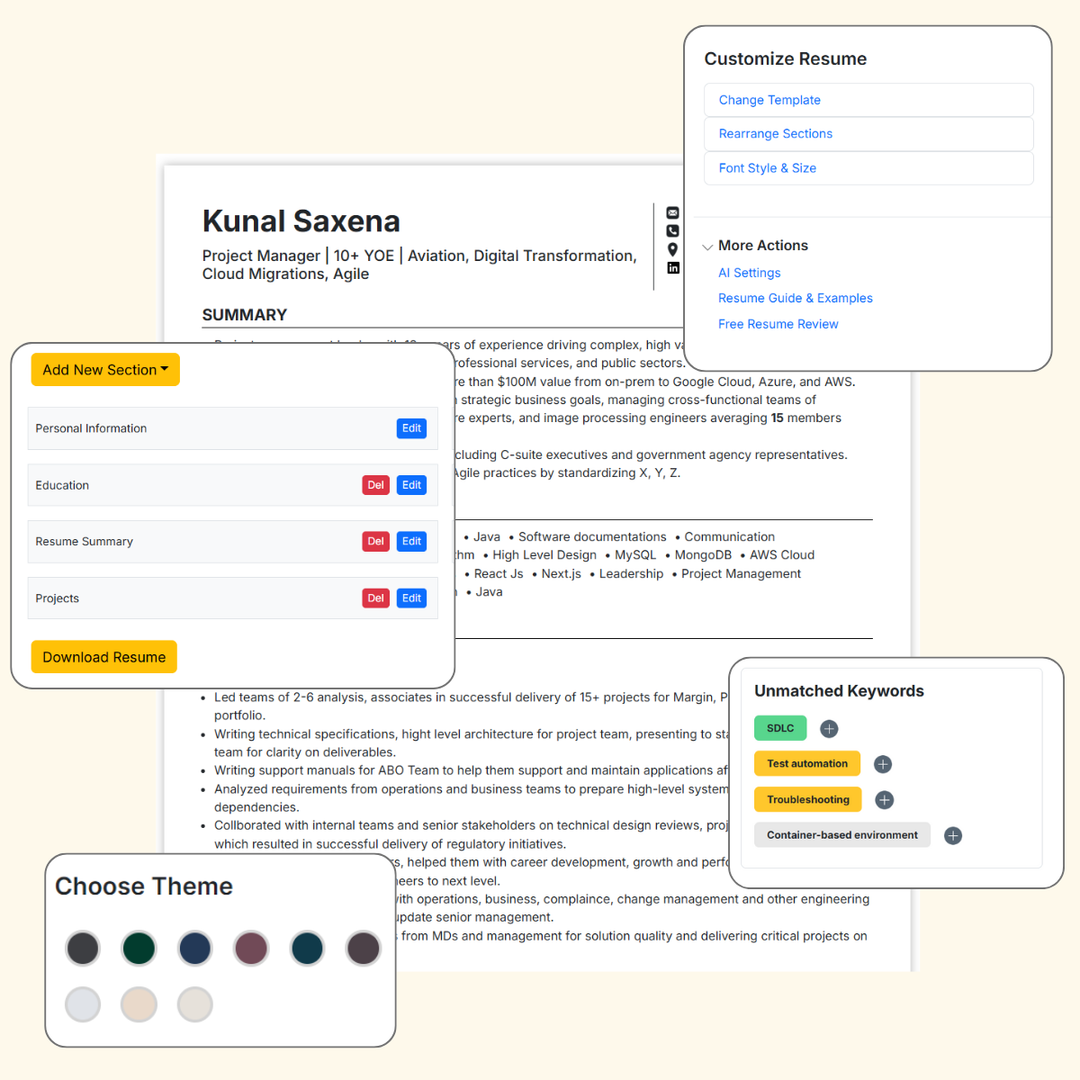
You can use our AI resume builder tool and upload your resume, the in-built resume checker tool will:
Step 1. Scan your resume instantly.
Step 2. Identify your grammatical errors and highlight weak areas.
Step 3. Suggest AI-specific improvements with examples.
Step 4. You can fix your mistakes using the tool’s suggestions.
If you want to know how you can fix this Typos & Grammar Mistakes in your resume in details you can visit our complete step-by-step guide article.
3. Not Tailoring Your Resume to the Job Role
If you are sending the same resume without matching job description to every job role is a huge mistake because each job roles has different requirements, and a generic resume doesn’t show how you can fit that specific job.
It doesn’t highlight your relevant skills, it feels unfocused and generic and recruiters can’t quickly see your fit result they move on to more relevant candidates.
Most companies use ATS to scan resumes for keywords from the job description.
If your resume doesn’t include important job-specific keywords It may not pass ATS, even if you’re qualified.
So customize your resume for every job by matching skills, keywords, and experience with the job description is compulsory.
How to fix it?
There are two effective ways to match your job description with your resume.
Matching Your Resume Manually
In this method you can match your resume with job description manually.
Step 1. Carefully Analyze the Job Description
Step 2. Identify Important Keywords
Step 3. Compare the Job Description With Your Resume
Step 4. Update your Key Resume Sections
Matching Your Resume Using AI Tools- Fast & Easy
Tools can help you to speed up the process of matching your resume with a job description.
Step 1. It Scan Your Resume Instantly
Step 2. Compare with the Job Description
Step 3. Highlight your Missing Keywords
Step 4. AI Suggest you Improvements
If you want to know more in details how you can match your resume with job description (step-by-steps) you can visit our complete guide article.
4. Employment Gaps & Job Hopping Red Flags
Employment gaps and job hopping refer to breaks in your work history or frequent job changes within short periods, which can raise concerns for recruiters about your stability, consistency, and long-term commitment especially if they are not clearly explained in your resume.
When a recruiter sees a gap in your work history, they start wondering: Why did you leave your last job? Were you taking a break or couldn’t find a job? What were you doing during that time?
Recruiters know that people take breaks for many reasons caring family, health issues, travel, or learning new skills that’s completely normal. But if you don’t explain these gaps, recruiters may assume something negative especially if the gap is long or happens often.
So being honest about your break can actually help you. It shows you are mature, aware, and responsible. You can also highlight what you learned or did during that time.
If you didn’t gain new skills during your break, or you don’t want to share personal details, you can simply mention a short reason with dates.
For examples: Full-Time Student, Caregiver, Travel, Personal Break.
When you clearly mention the gap, it makes your resume more transparent and helps build trust with employers.
5. Digital Presence Mistakes Recruiters Notice
Your online profile helps recruiters understand you better but if it has unprofessional content or doesn’t match your resume, it can make them doubt your credibility and whether you’ll fit in the team.
LinkedIn profile red flags
Your resume and LinkedIn don’t need to be exactly the same, but they should tell the same story. If your job titles, dates, or achievements don’t match, recruiters may get confused and start doubting which one is correct.
- Incomplete profile (no summary, missing details)
- No profile photo or unprofessional picture
- Job titles or experience not matching your resume
- Very little activity or outdated information.
These make your LinkedIn profile look inactive or less credible.
Online Presence & Personal Branding Issues
Your social media profiles are easy for recruiters to find, and they may check them to understand your personality. If they see anything unprofessional, too personal, or not suitable for the job, it can create a bad impression.
- No clear professional identity (what you do or specialize in)
- No posts, projects, or proof of work
- Unprofessional or irrelevant content online
Recruiters may feel you lack clarity, visibility, or seriousness about your career.
Final Checklist: Is Your Resume Red-Flag Free?
Before applying to any job you can ask yourself that your resume is free from Red flags.
- No spelling mistakes
- Clear and simple formatting
- Keywords match the job description
- Bullet points show impact
- Information is honest and consistent
If yes, your resume is ready and you can easily apply to any job opportunities.
Author – Ayush Panthri
Connect on LinkedIn

Reviewer – Kunal Saxena
Kunal is a seasoned Technical Resume Writer with over 13 years of experience working with startups, mid-sized firms, and top global companies like Goldman Sachs and EY. He brings deep domain expertise across tech, education, insurance, e-commerce, and investment banking.
He has helped hundreds of professionals from top firms—including Apple, Meta, Google, Adobe, and Amazon — land interviews and advance their careers globally. His approach blends real-world hiring insight with high-impact resume strategy.
Kunal is an active member of Career Thought Leaders and the Resume Writing Academy, staying current with global resume trends and recruiter expectations.
Connect on LinkedIn
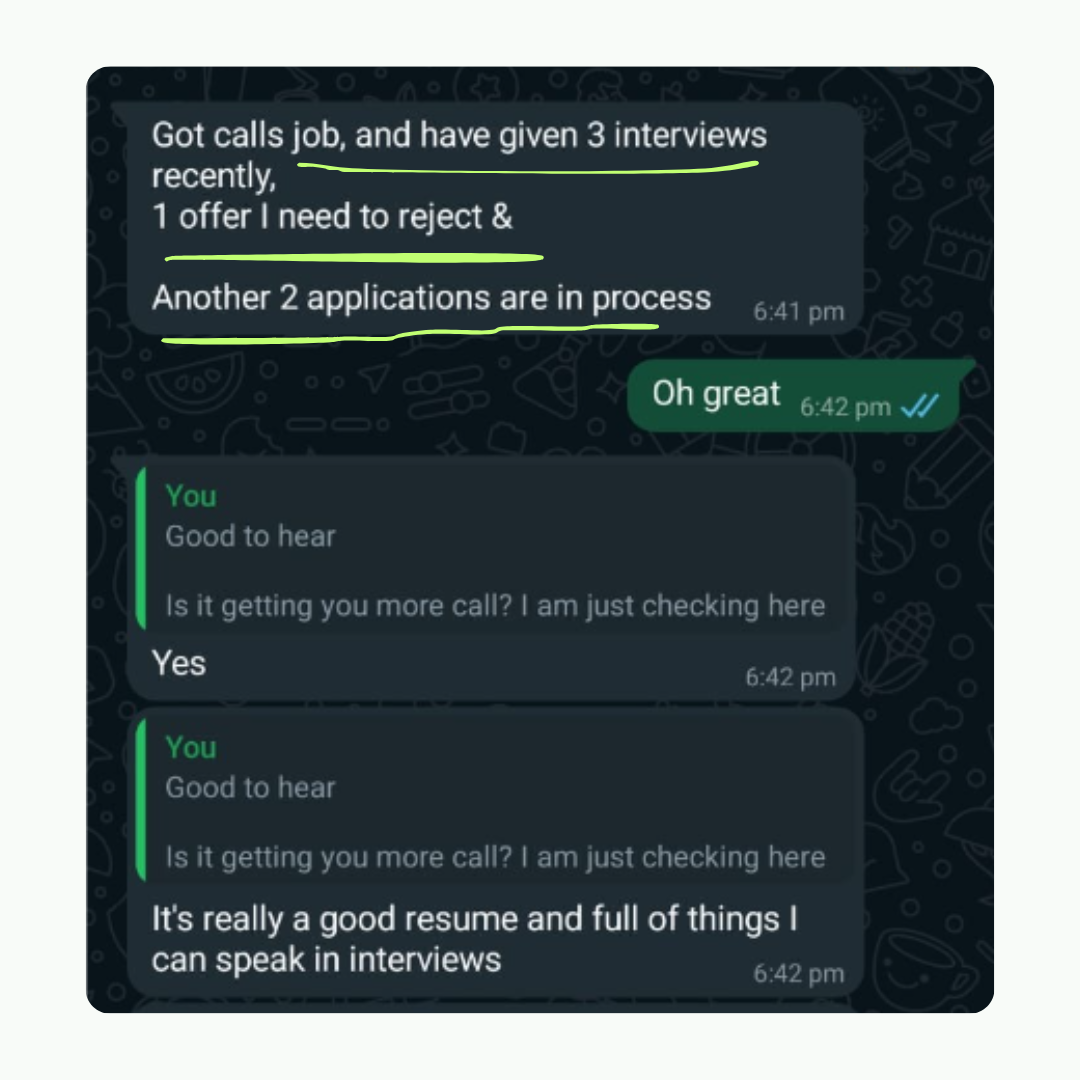
Amit got 2 Offers with our resume builder

My experience was truly outstanding, I got 3-5 interview calls and 2 job offers. The resume wasn't just focused on my current job - it captured my consulting, technical and leadership skills as well. Plus this was much more affordable
Data Engineer - Deloitte